Quick answer
What to do first
Record your current speed, choose a target from the next visible section, repeat the same approach, and change one movement decision at a time.
Build a repeatable +1 Speed practice routine for World 2 sections without inventing a cap, route distance, or finish-time formula.
Record your current speed, choose a target from the next visible section, repeat the same approach, and change one movement decision at a time.
Read the game-specific context before following the checklist.
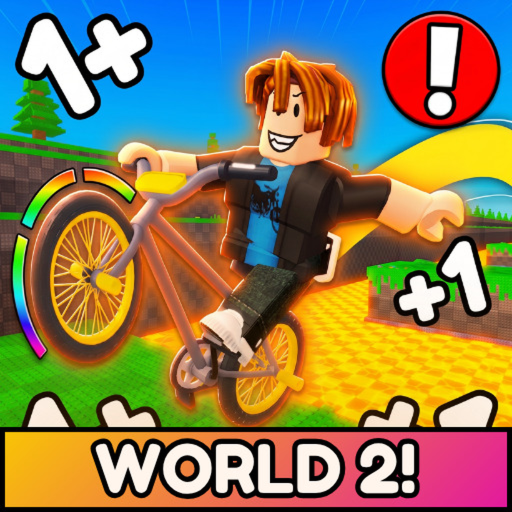
The official Roblox description says players gain +1 Speed every time they move. The safe use of that detail is to compare the values you can actually see in your current run. It is not a promise of a published cap, a fixed distance, or a finish time.
A speed session works best when the target belongs to one obstacle. Label the section as W2 start, first ramp, or final gap, then keep the bike approach and jump decision stable. The planner calculates only the difference between the two numbers you enter.
If a run reaches the obstacle but fails at the landing, shift the focus to jump conservation or recovery. A larger number will not fix a route decision that is inconsistent. Keep the practice window player-chosen and compare the reset point.
Keep the section stable, record one change, and expand only after the current obstacle becomes repeatable.
Use the speed visible in your run; leave it blank if the experience does not show one.
Set a target for the next section based on your own observation, not an adjacent game's guide.
Use the same bike line and jump plan long enough to compare the result.
Move to jump conservation or reset recovery when speed is no longer the clearest failure.
Skip the arithmetic and use the guide as a practice checklist. Choose a target after observing the current game.
Check the approach and jump decision before assuming you need an unverified speed threshold.
Use the same section label, player target, and practice window for the next few attempts.
A target is your practice number, not a published game constant.
One change helps you understand what actually improved the attempt.
A fast approach is not consistent if it repeatedly sends the run back.
That wording appears in the public description. The exact implementation and limits are not published here.
No. It calculates only player-entered arithmetic and a practice focus.
Train the clearest failure in the next section, then use the other input to keep the comparison honest.
Choose a practice window that fits your session; the site does not claim an official training duration.